
Before your consultation
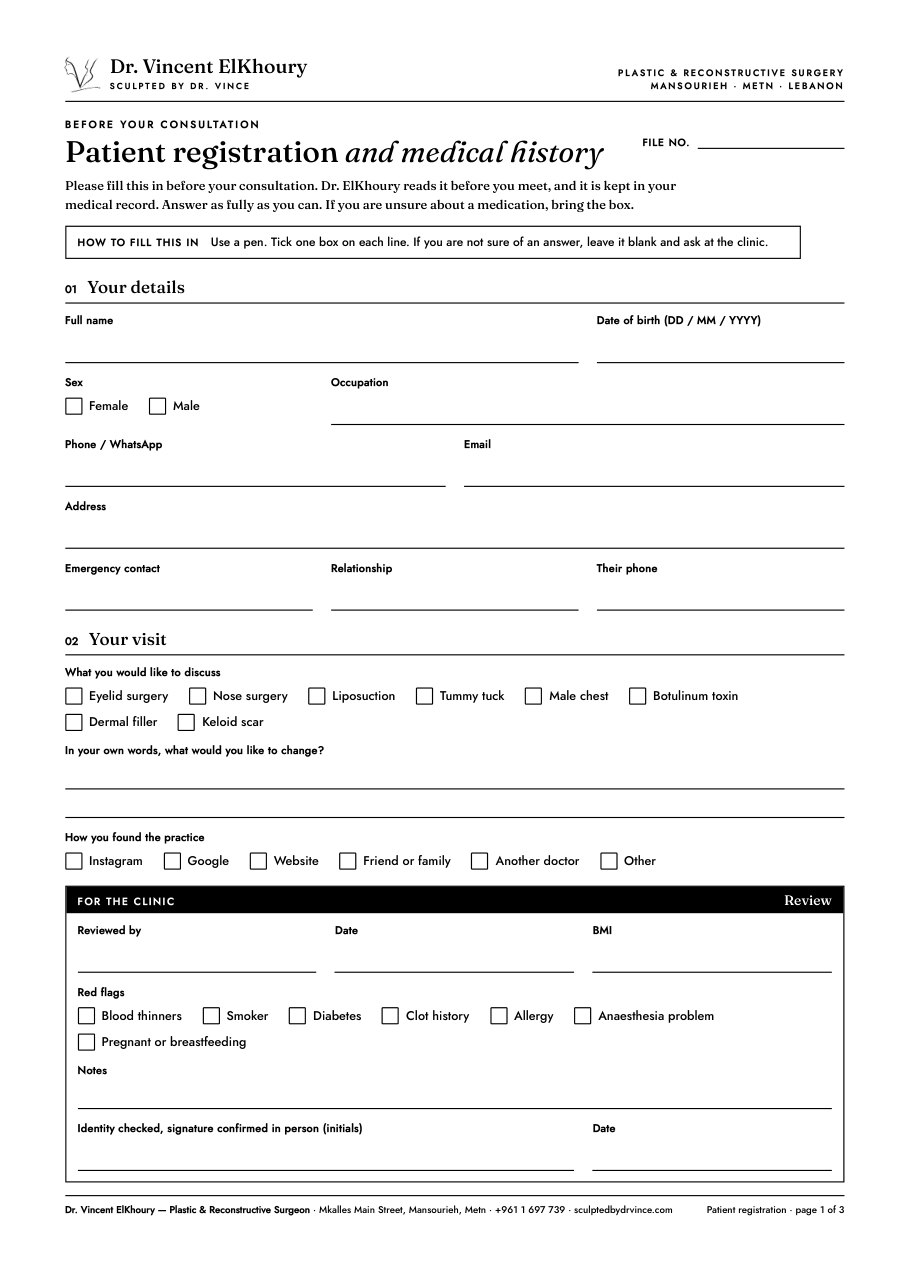
Patient registration and medical history
Contact details, medical history, medications, allergies and previous surgery. Dr. ElKhoury reads it before you meet.
Dr. Vincent ElKhoury · Patient forms
Fill them in and sign with your finger on this phone, or download and print. Nothing you type is sent anywhere or stored online. The signed PDF is saved to your device, and you send it to the clinic yourself.
Four forms
Before your consultation
Contact details, medical history, medications, allergies and previous surgery. Dr. ElKhoury reads it before you meet.
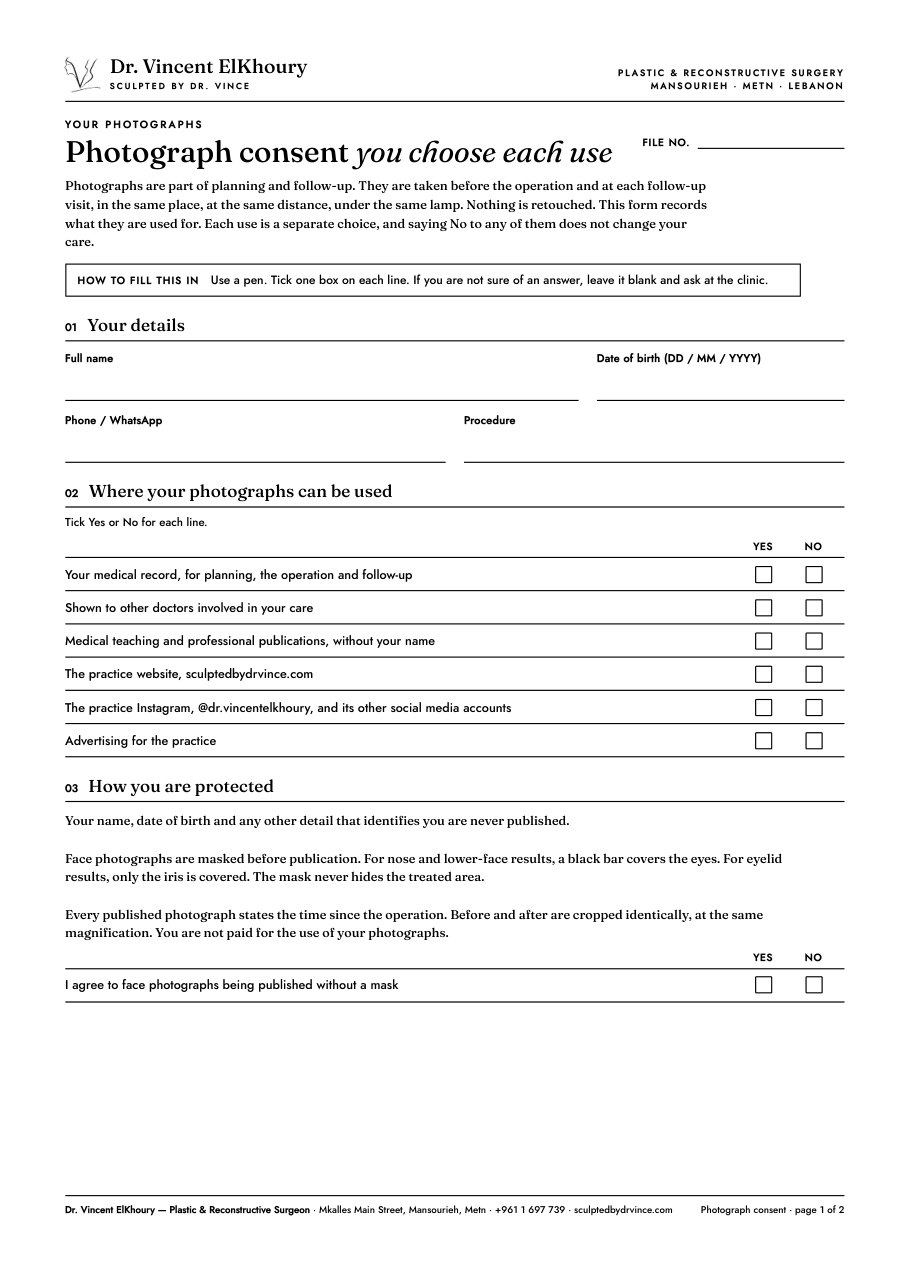
Before your first photographs
What your before and after photographs are used for. Each use is a separate Yes or No, and you can withdraw at any time.
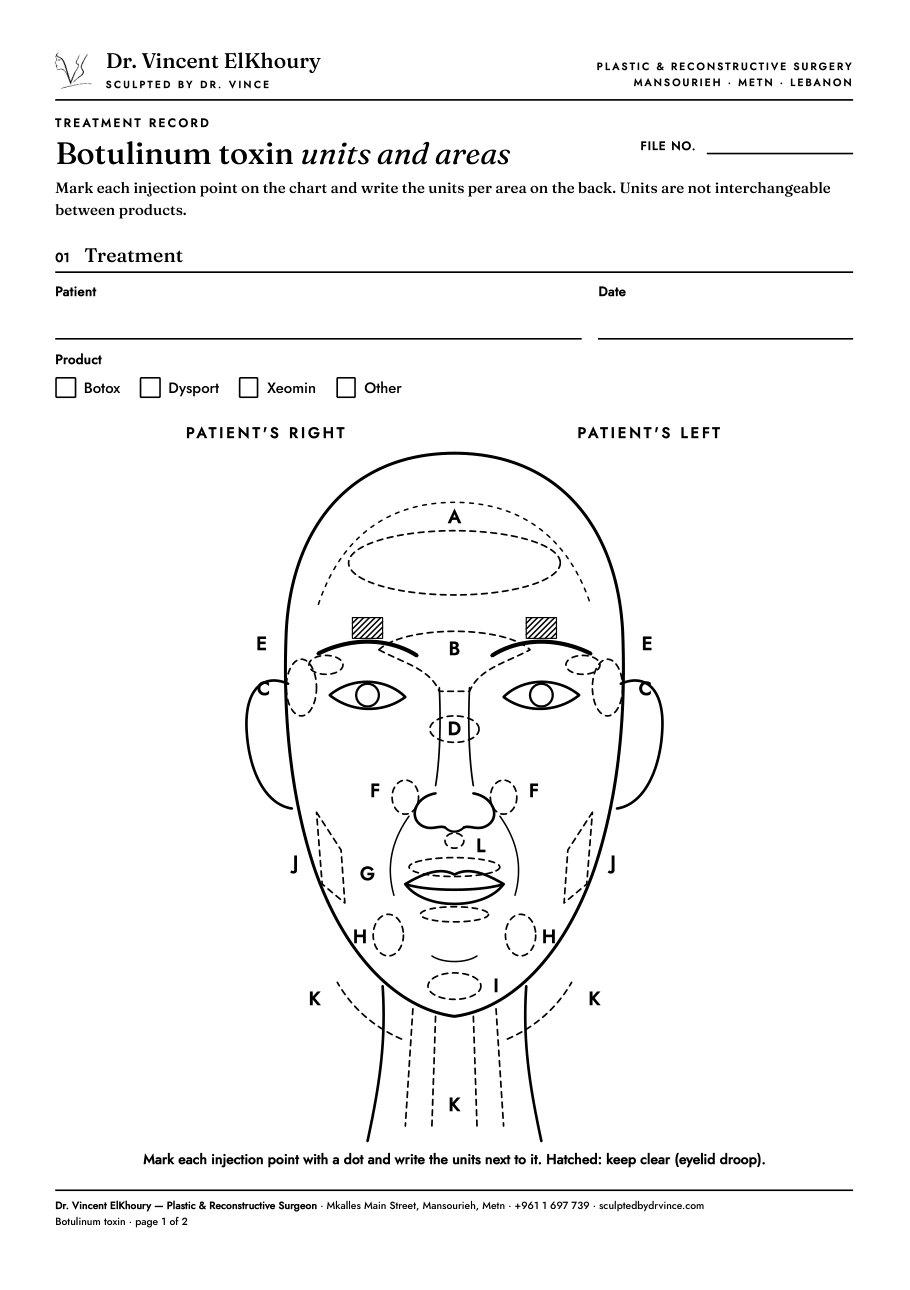
For the clinic
Dr. ElKhoury's record of each toxin treatment: the product, the areas on a face chart, and the units per area.
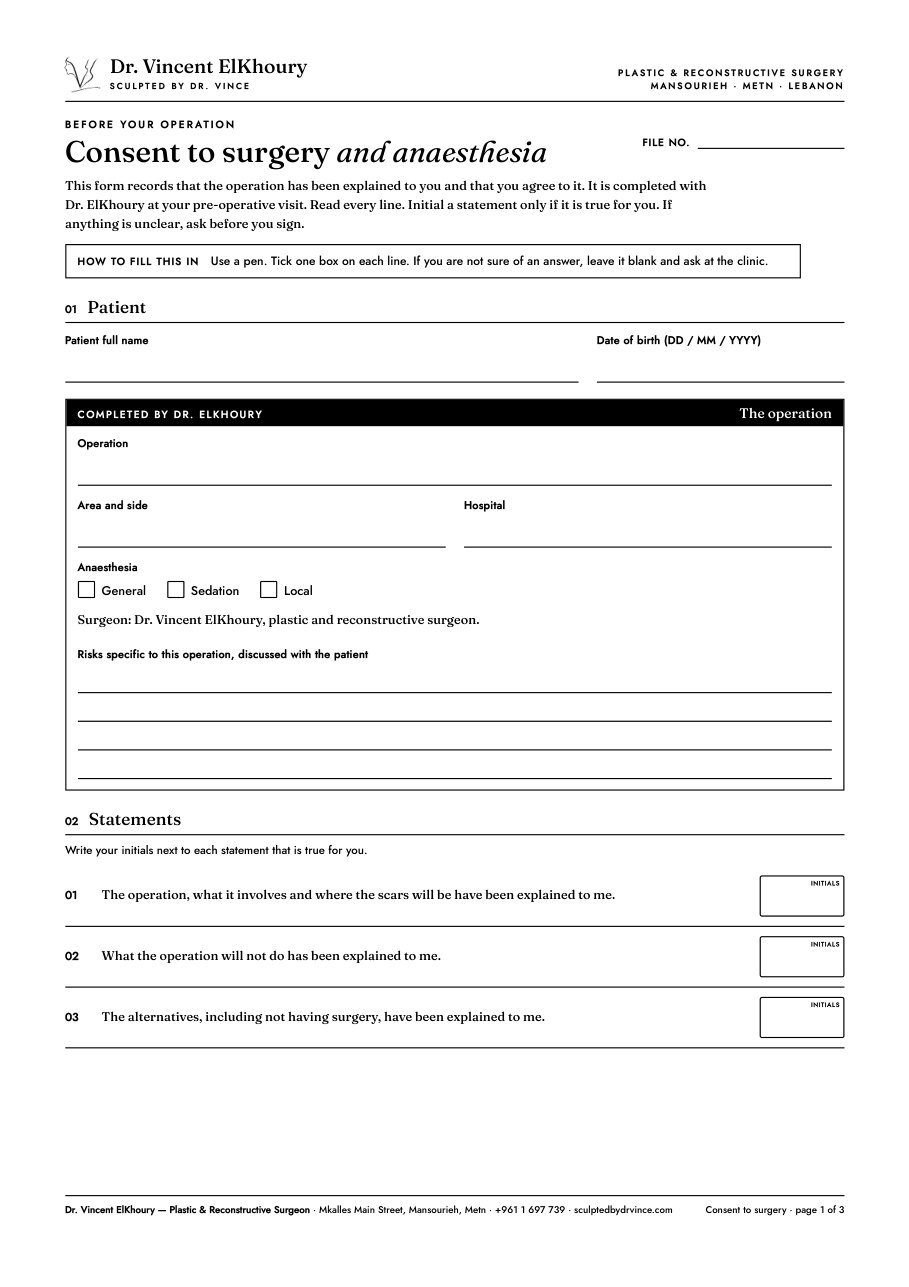
At your pre-operative visit
Completed and signed with Dr. ElKhoury at the clinic. Read it at home first, and bring your questions.
How it works
One section at a time. Answer in English, French or Arabic. Clinic-only boxes are left for the clinic.
With your finger on a phone, or a mouse on a computer. Today's date is added for you.
The signed PDF is saved to your device. Send it on WhatsApp to +961 1 697 739, or bring it to your appointment.
Questions
No. The form runs inside your browser. The signed PDF is made on your device and saved there. The clinic only receives it when you send it.
Download the PDF, print it, fill it in with a pen and bring it to your appointment. Printed copies are also available at the clinic.
Yes. The downloaded PDFs have typing boxes and tick boxes. Open them in Adobe Acrobat Reader, or in your phone's PDF app, and use Fill & Sign.
Fill the form in again and send the new copy. Say in your message that it replaces the first one.
A parent or guardian signs as well. The form asks for this at the signature step.